What screen?
Tell me whether it happened in Read, Faithful, Library, Profile, widgets, audio, or a specific detail page.
Written support
Tell us what happened and where you were in the app. Your note goes directly to Written support.
Send a message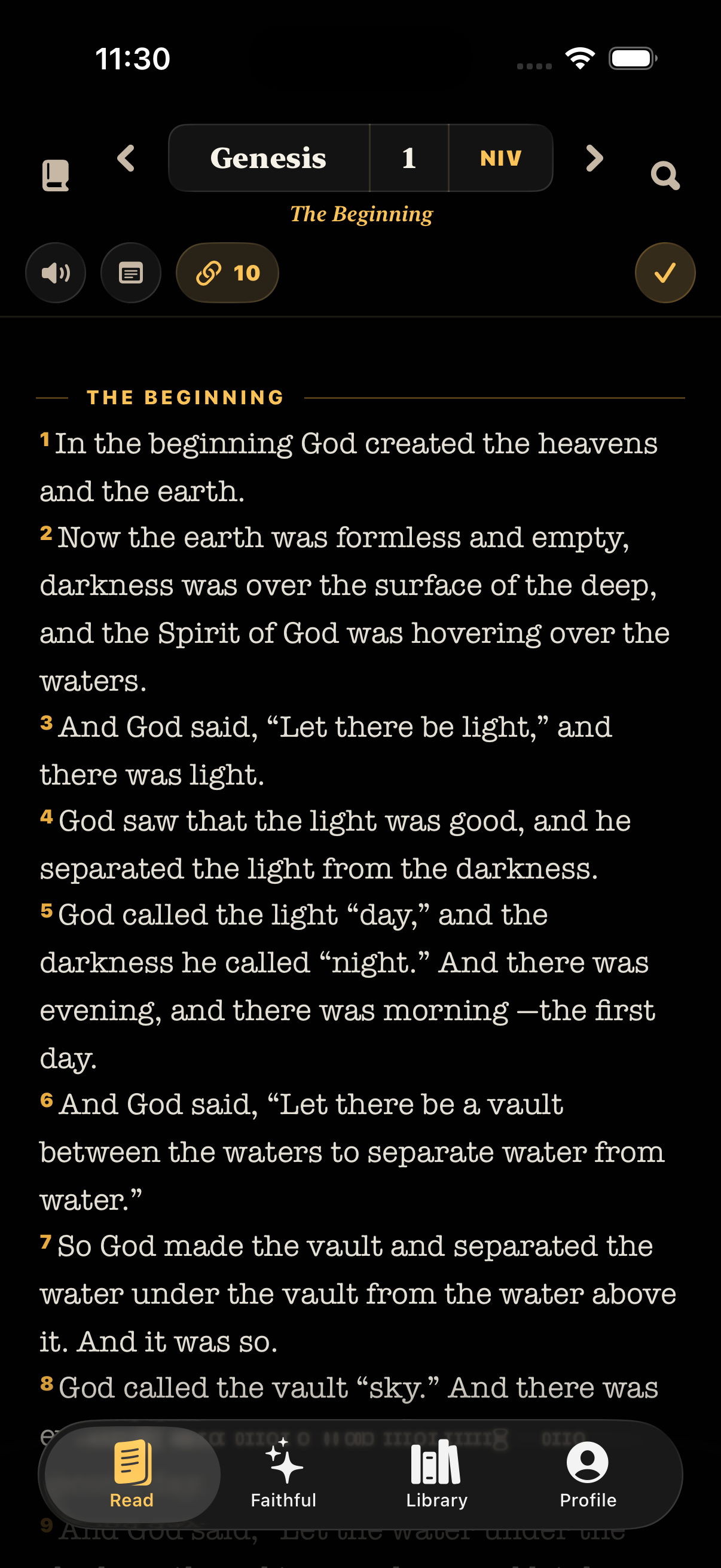
Contact
Before sending
Tell me whether it happened in Read, Faithful, Library, Profile, widgets, audio, or a specific detail page.
Include what you tapped, what you expected, what actually happened, and whether you can repeat it.
If a screenshot or screen recording would help, mention it in your message and support can follow up by email.